Core Web Vitals in 2026: What Google Still Measures and Why It Matters
If you have been doing SEO for more than a year, you have probably heard about core web vitals enough times to tune it out. That reaction is understandable. When Google first rolled out these quality signals that are essential to page experience rankings, the industry treated them as an emergency. Every blog published a guide. Every tool added a report. And then the urgency faded, even though the metrics kept evolving.
Here is the problem with tuning it out. The core web vitals metrics Google measures today are not the same ones it measured two years ago. Input delay FID is gone. Interaction to Next Paint INP replaced it. The thresholds for Largest Contentful Paint LCP still matter, but the way Google calculates LCP measurement has gotten more nuanced. And Cumulative Layout Shift CLS measures visual stability in ways that now account for more realistic browsing patterns. If you are still optimizing based on the 2021 version of these metrics, you are solving the wrong problems.
This guide cuts through the fatigue. It covers only what changed recently, the current thresholds, and what actually correlates with ranking shifts in 2026. No history lessons. No redundant definitions you have read a dozen times. Just what you need to know to make sure your web pages pass every metric that Google still uses to evaluate page experience.
What Google Actually Measures in 2026
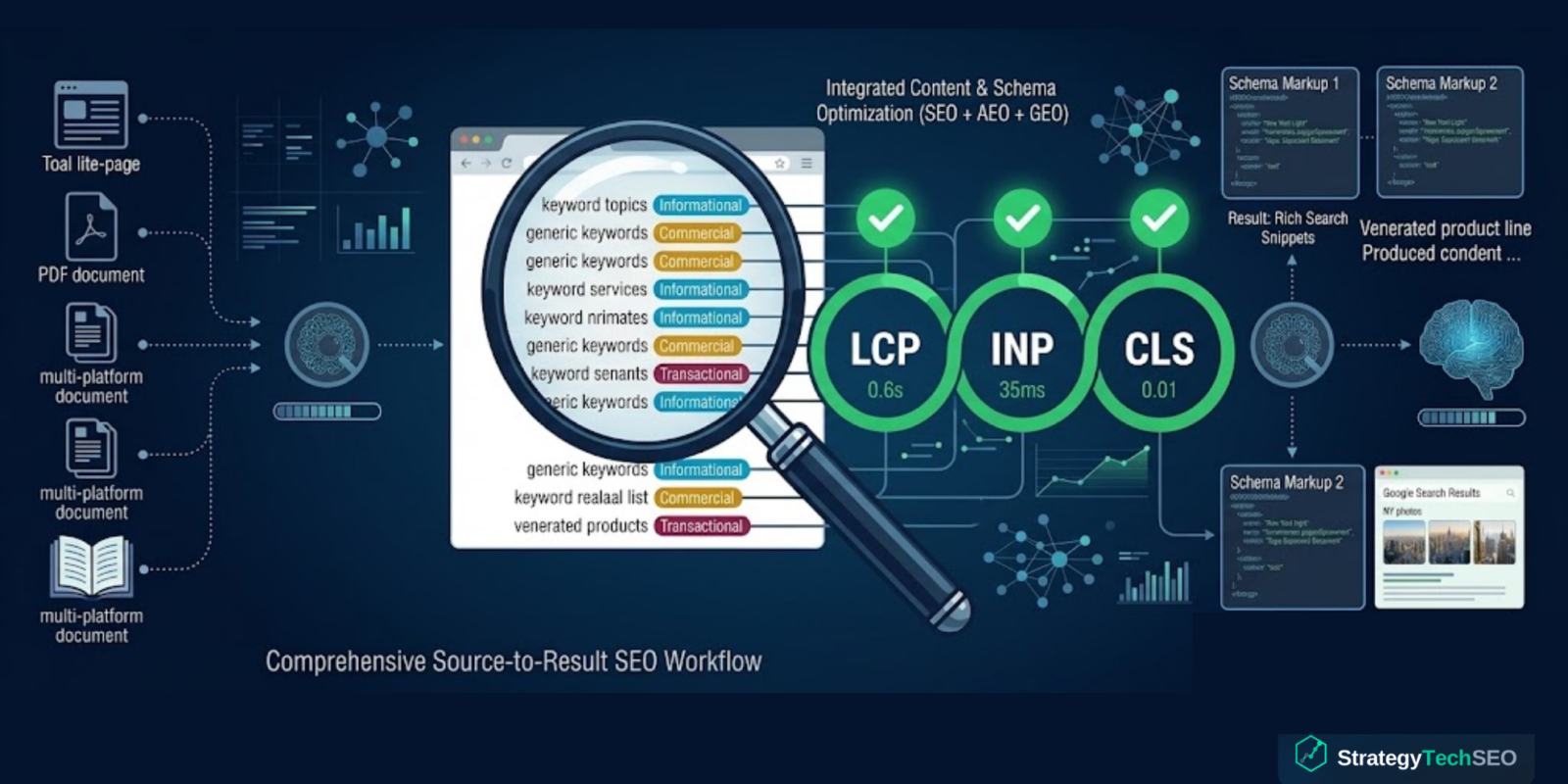
The core web vitals report in Search Console tracks three metrics. Each one targets a different dimension of user experience on the web: loading, interactivity, and visual stability.
Largest Contentful Paint LCP measures loading performance. Specifically, it tracks how long it takes for the largest visible element on the page to finish rendering. That element is usually a hero image, a video thumbnail, or a large block of text. Google considers an LCP of 2.5 seconds or less to be good. Anything between 2.5 and 4.0 seconds needs improvement. Anything above 4.0 seconds is poor.
Interaction to Next Paint INP measures responsiveness to user interactions. It replaced First Input Delay in March 2024 because FID only measured the delay before the browser started processing the first interaction. INP measures the full latency of every interaction throughout the entire page visit, then reports the worst one (with some statistical smoothing). An INP of 200 milliseconds or less is good. Between 200 and 500 milliseconds needs improvement. Above 500 milliseconds is poor.
Cumulative Layout Shift CLS measures how much the visible content shifts unexpectedly while the page loads and during the user session. CLS uses a session-window approach that caps measurements at 5-second windows with 1-second gaps between them, then reports the largest session window. A CLS score of 0.1 or less is good. Between 0.1 and 0.25 needs improvement. Above 0.25 is poor.
| Metric | Good | Needs Improvement | Poor |
|---|---|---|---|
| LCP (Loading) | ≤2.5s | 2.5s – 4.0s | >4.0s |
| INP (Interactivity) | ≤200ms | 200ms – 500ms | >500ms |
| CLS (Visual Stability) | ≤0.1 | 0.1 – 0.25 | >0.25 |
What Changed and Why It Matters Now
The biggest change is the one most site owners still have not fully adjusted to: INP replacing FID. This was not a minor swap. FID measured only the delay of the first interaction a user made with the page. If someone clicked a button and the browser took 50 milliseconds to start processing, FID captured that 50 milliseconds. But it ignored everything that happened after processing began and every subsequent interaction.
INP captures the full picture. It measures the time from when a user interacts with the page to when the browser paints the next frame. That includes input delay, processing time, and presentation delay. And it does this for every interaction, not just the first one. The result is a metric that reflects how pages perform during real use, not just during the initial load.
This matters for rankings because Google now has a much more accurate signal for whether a page actually delivers a great user experience or just loads fast initially and then struggles with every click, scroll, and form submission after that. Sites that passed FID easily are failing INP because their JavaScript execution blocks the main thread during interactions that FID never measured.
The total blocking time TBT metric, while not a Core Web Vital itself, has become the most reliable lab proxy for INP. If your TBT is high in Lighthouse, your INP in the field is almost certainly problematic. Reducing TBT by breaking long tasks into smaller ones, deferring non-critical JavaScript, and optimizing event handlers is the most direct path to passing INP.
CLS also evolved, though less dramatically. The session window approach has been stable since 2022, but the types of shifts that trigger CLS penalties have expanded. Dynamic content injection from ads, late-loading web fonts, and images without explicit dimensions remain the primary causes. The threshold has not changed, but Google has improved at attributing CLS to specific elements, making the data in your core web vitals report more actionable than before.
How to Pass Each Metric
Fixing LCP
Most LCP problems come from three sources: slow server response times, render-blocking resources, and unoptimized images. Start by checking your Time to First Byte. If your server takes more than 600 milliseconds to respond, no amount of frontend optimization will reliably get your LCP under 2.5 seconds.
For images, use modern formats like WebP or AVIF, implement responsive sizing with srcset, and add fetchpriority="high" to your LCP element so the browser prioritizes it. Remove or defer any CSS and JavaScript that blocks rendering before the LCP element loads. Preload critical resources using link rel="preload" for fonts and hero images that the browser would not otherwise discover until later in the parsing process.
Fixing INP
INP failures almost always trace back to heavy JavaScript execution on the main thread. The fix is to break long tasks into smaller chunks so the browser can respond to user interactions while they run. Use requestIdleCallback or setTimeout to yield back to the main thread during complex operations.
Audit your third-party scripts. Analytics, chat widgets, ad scripts, and tag managers often register event listeners that add processing time to every interaction. Remove what you do not need and defer what you do. If a script does not need to run until the user interacts with a specific feature, load it on interaction rather than on page load.
Web workers can offload heavy computation entirely from the main thread. If your site runs data processing, complex filtering, or real-time calculations on the client side, moving that work to a web worker keeps the main thread free to respond to input.
Fixing CLS
Set explicit width and height attributes on every image and video element. Use CSS aspect-ratio for responsive containers. Reserve space for ads and dynamic content with min-height declarations so the layout does not shift when those elements load.
For web fonts, use font-display: swap with a fallback font that closely matches the dimensions of your web font. The swap itself may cause a minor shift, but a well-matched fallback minimizes it. Avoid inserting content above existing visible content after the page has started rendering. If you must inject banners or notifications, animate them in from outside the viewport rather than pushing existing content down.
LCP: Optimize the Hero
Use WebP/AVIF images, add fetchpriority="high" to your LCP element, preload critical fonts and hero images, and defer render-blocking CSS and JS.
INP: Free the Main Thread
Break long JavaScript tasks into smaller chunks, defer third-party scripts, and use web workers for heavy computation to keep interactions responsive.
CLS: Reserve Layout Space
Set explicit width and height on images and video, use min-height for ad slots, and match fallback font dimensions to your web font.
TBT: The Lab Proxy for INP
Monitor Total Blocking Time in Lighthouse as your primary lab signal. If TBT is high, your field INP is almost certainly failing too.
Does Passing Core Web Vitals Guarantee Better Rankings?
No. And anyone who tells you otherwise is oversimplifying. Core web vitals are a confirmed ranking signal, but they are one signal among hundreds. Google has consistently described page experience as a tiebreaker rather than a primary ranking factor. If two pages have equally relevant content and similar authority, the one with better vitals will rank higher. But a page with exceptional content and mediocre vitals will still outrank a page with perfect vitals and thin content.
That said, the indirect effects are significant. Pages that load faster, respond to interactions immediately, and do not shift around keep users engaged longer. Engagement metrics like time on page, pages per session, and bounce rate are all influenced by how your web pages perform. A great user experience compounds over time because engaged users share content, return to the site, and convert at higher rates.
The data support this. Sites that improved their Core Web Vitals scores saw measurable improvements in engagement metrics, and those engagement improvements correlated with gradual ranking gains. The vitals themselves may be a tiebreaker, but the user behavior they influence is not.
Core Web Vitals are a confirmed ranking signal but function as a tiebreaker, not a primary factor. The real value is indirect: faster, more stable pages keep users engaged longer, and those engagement signals compound into ranking gains over time.
How to Measure Core Web Vitals the Right Way
You can measure core web vitals using both field data and lab data. Field data comes from real users via the Chrome User Experience Report and is what Google uses for ranking decisions. Lab data comes from tools like Lighthouse and is used for debugging.
Search Console provides the most accessible field data through its Core Web Vitals report. It groups your URLs into good, needs improvement, and poor categories for each metric. Use this report to identify which URL groups have problems, then use Lighthouse and Chrome DevTools to diagnose the specific causes.
PageSpeed Insights bridges the gap by showing both field data from CrUX and lab data from Lighthouse on a single page. Run your key landing pages, highest-traffic pages, and any pages that Search Console flags as needing improvement.
Do not optimize based solely on lab data. Lab data is consistent and repeatable, but it does not reflect the diversity of devices, connections, and usage patterns that your real visitors experience. A page that scores 95 in Lighthouse can still fail INP in the field if your actual users are on mid-range Android devices with slower processors.
Google uses field data from the Chrome User Experience Report for ranking decisions, not lab scores. Use Search Console and PageSpeed Insights for field data, then Lighthouse and DevTools to diagnose and fix the specific issues those reports surface.
What to Focus on Right Now
If you have not audited your INP scores since the FID-to-INP transition, start there. That is where most sites have unresolved issues because they optimized for a metric that no longer exists. Run your top 20 pages through PageSpeed Insights, check the field INP data, and prioritize the pages where INP exceeds 200 milliseconds.
After INP, check LCP specifically on mobile. Desktop LCP is usually fine for most sites, but mobile LCP often exceeds the 2.5-second threshold due to slower connections and weaker processors. CLS is typically the easiest of the three to fix because the solutions are structural rather than performance-based.
The site owners who treat Core Web Vitals as an ongoing performance practice rather than a one-time audit are the ones whose pages perform consistently well in both rankings and user satisfaction. Build vitals monitoring into your monthly reporting, flag regressions early, and fix them before they compound into ranking problems.
Get Your Core Web Vitals Passing
StrategyTech SEO audits your site against every current Core Web Vitals threshold, identifies the fixes that will move the needle, and implements performance optimization that keeps your pages fast, stable, and ranking.
Sources & References
- Google Search Central. “Core Web Vitals & Page Experience.” developers.google.com
- web.dev. “Learn Core Web Vitals.” web.dev
- Google Search Console Help. “Core Web Vitals Report.” support.google.com
- Cloudflare. “What Are Core Web Vitals?” cloudflare.com
- web.dev. “Interaction to Next Paint (INP).” web.dev
- Google Search Central Blog. “Our Transition From FID to INP.” developers.google.com
- web.dev. “Optimize Cumulative Layout Shift.” web.dev
- Chrome for Developers. “Chrome User Experience Report.” developer.chrome.com

StrategyTech SEO
StrategyTech SEO helps businesses grow organic visibility through technical audits, on-page optimization, and data-driven search strategies. We turn SEO from guesswork into measurable results.